Remind past customers when the next service is due
The easiest job to book is the one from someone who already hired you. A short reminder when their next service is due brings them back before they start searching again.
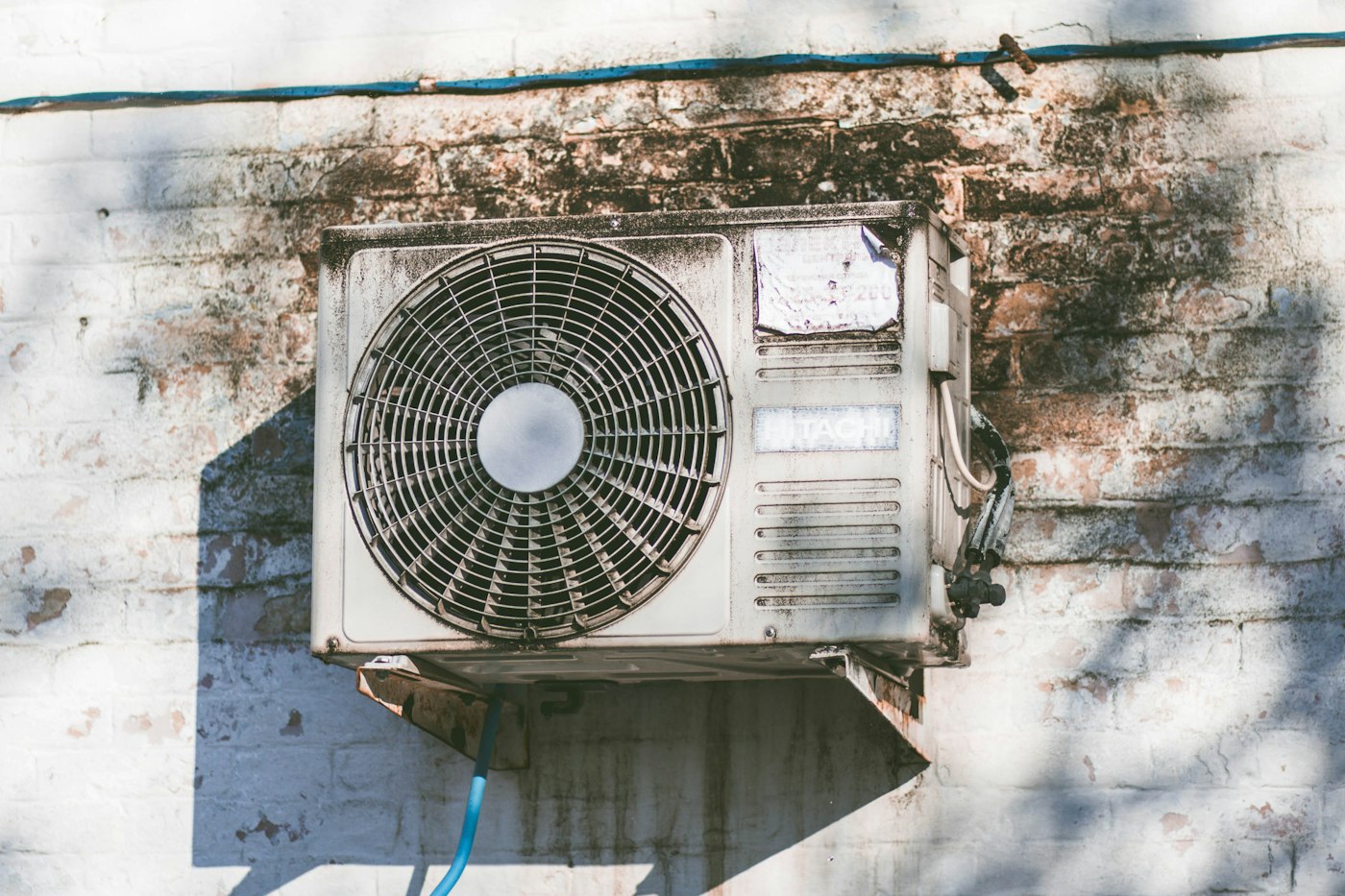
A lot of the work you do comes due again. Furnaces need a tune-up. Carpets need cleaning. Lawns need aerating. Dogs need grooming. Teeth need a cleaning.
Your past customers know they liked you. What they don't know is when it's time again. So when the AC starts making a noise next summer, many of them will search Google like it's their first time. Then they might find someone else first.
A short reminder, sent when the next service is actually due, fixes that. It's a cheap way to bring in work, because you're talking to people who already trust you.
Write down when each job comes due
Start with the services you do that repeat. For each one, write how long until it's due again. For example:
- Furnace tune-up: every fall.
- Gutter cleaning: every spring and fall.
- Carpet cleaning: about once a year.
- Pest service: every three months.
Use your own numbers. You know your trade better than any list does.
Keep a simple list of who you did what for
You don't need special software to start. A spreadsheet works. One row per job:
- Customer name
- Phone or email
- What you did
- The date you did it
- When the next one is due
If you already use a scheduling or invoicing tool, check its settings first. Many of them can send service reminders on their own. You might already be paying for this.
Ask before you text
On the last visit, ask one question: "Want me to text you when it's time for the next one?" Write down who says yes.
Only send reminders to people who said yes. It keeps you on the right side of the rules for texting customers, and it keeps the message from feeling like spam. If someone replies "stop," take them off the list that day.
Keep the reminder short
The message should sound like you, not a big company. Name the service, say it's due, and make booking easy. For example:
Hi [customer name], this is [your name] with [your business name]. Your furnace tune-up is due this month. Reply here or book at [your website]/book.
That's it. No coupon is required. If you do want to add an offer, keep it plain, like "$X off if you book by the 15th."
Send it a little early
Send the reminder a couple of weeks before the service is due. That gives people time to fit you in, and it lets you fill slow weeks on purpose instead of waiting for the phone to ring.
Pick one day a month to go through the list. Send the reminders that are coming up. It doesn't take long.
Make the link go somewhere useful
If your reminder points to your website, the page it opens should let them book or call right away. A homepage that makes them hunt for the phone number undoes the work the reminder just did.
A good landing spot has:
- The service name at the top.
- A tap-to-call phone number.
- A short booking or request form.
Start with last year's jobs
You don't have to wait for new customers to build this list. Go back through last year's invoices. Anyone who had a service that's due again is someone you can reach out to, as long as they've said it's okay to contact them.
If you want a booking page your reminders can point to, talk with Hexacomb. You run the business. We take care of your website.