Put your street address in plain text.
Many sites bury the street address in a map embed or a storefront photo. Put the full address as selectable text near Contact so people can copy it into Maps.
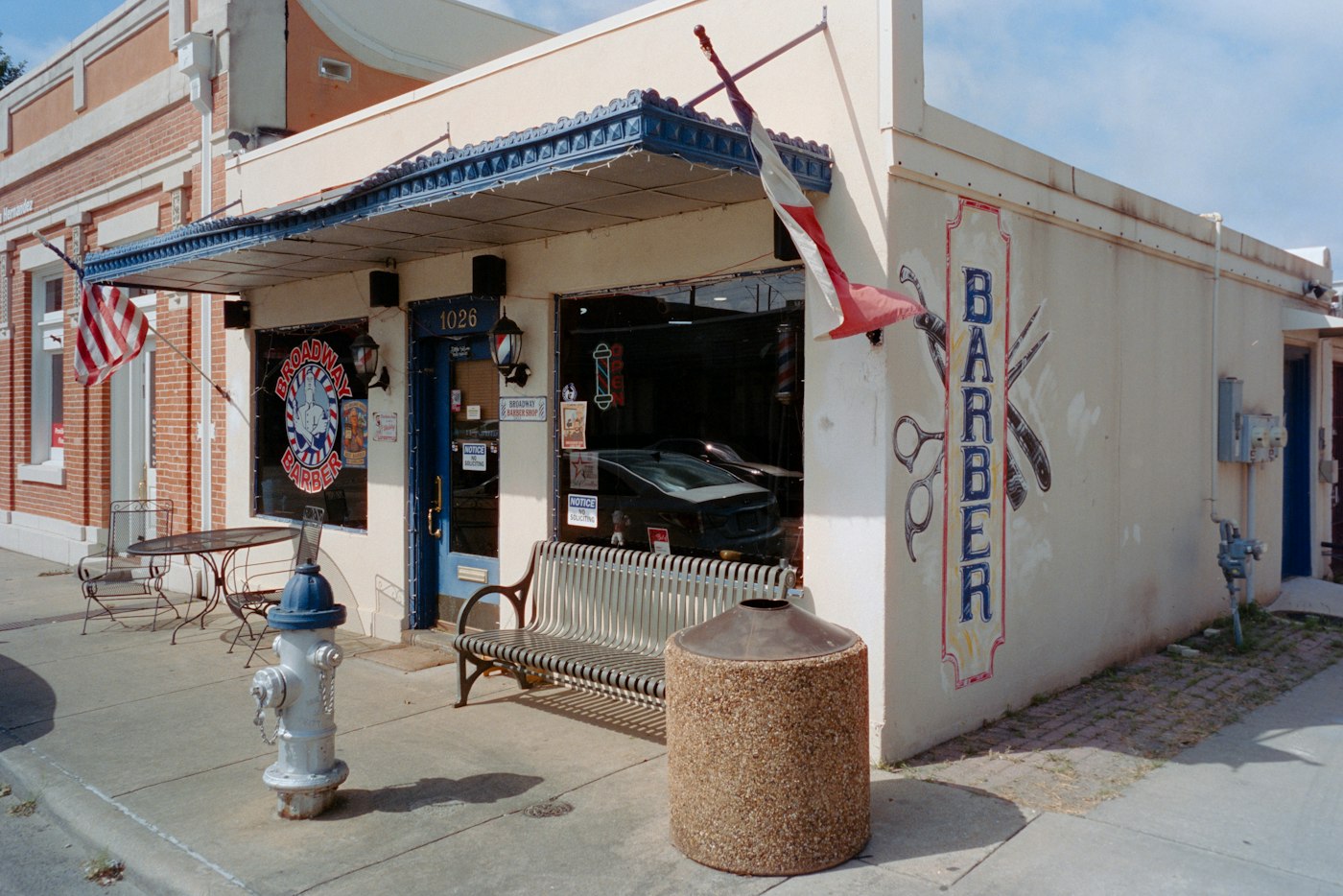
Someone finds your shop on their phone and needs the address for Maps. If the only place you show it is inside a map embed or a photo of the storefront, they can't select it and paste it.
Put the address where they can copy it
Write the full street address as real text. Include the suite number. Put it near Contact, the footer, or a Directions section.
A map is fine as a helper. It should not be the only place the address lives.
Keep the small details in words
"Behind the strip mall." "Park in the lot off Shaw." "Suite B, second door." Those notes help someone who has never been there. They disappear when the address is only a pin on a map image.
A quick check on your phone
Open your site. Long-press the address. If you can't select and copy it, fix that today. Paste it into Maps once and confirm the pin lands on your door.
Match the same address on Google, your invoices, and your homepage. One mismatch sends people to the wrong door.
If you want your street address easy to find and copy on every page, talk with Hexacomb. You run the business. We take care of your website.