Post a photo to your Google profile after every job
A fresh photo from each job shows people on Google that you're busy and do real work nearby. Here's how to make it a quick habit.
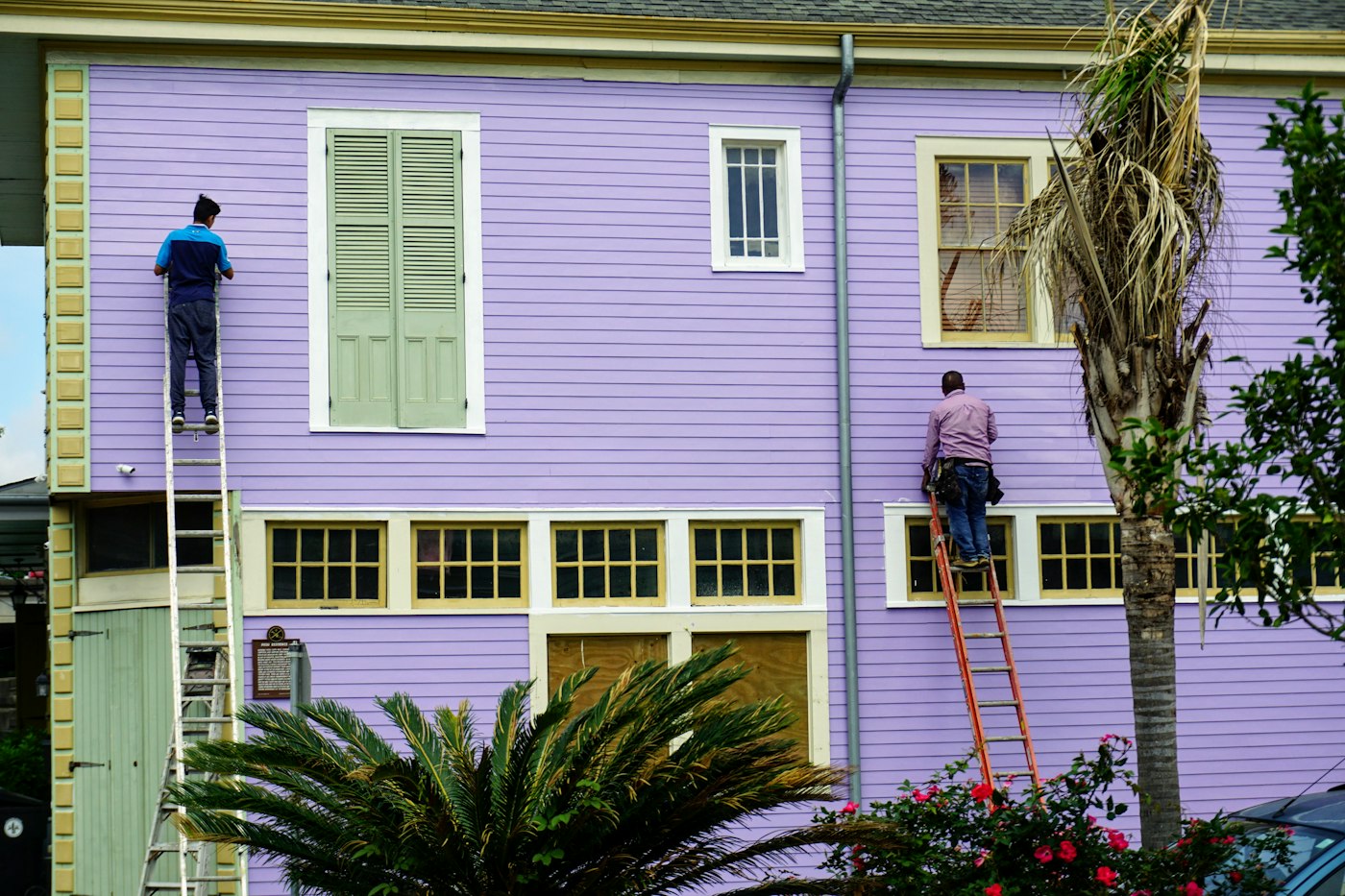
When someone finds you on Google, your photos are right there next to your reviews and your phone number. If the newest photo is from three years ago, they might wonder if you're still around. If there's a photo from last week, they can see you're working.
You already finish jobs every week. Taking one photo before you leave and adding it to your Google Business Profile is a cheap way to keep your listing looking current.
Take the photo before you pack up
The easiest time to get the photo is right when the job's done, while you're still standing in front of it. Once you're back in the truck, it's easy to forget.
One good photo per job is plenty. If the job has a clear before and after, take both.
What makes a good job photo
Show the work itself, like a clean new fence line, a finished bathroom, a freshly painted wall, or a lawn right after the mow. Here's what helps:
- Shoot in daylight when you can, or turn on the room lights.
- Hold the phone level and step back far enough to show the whole job.
- Clear out buckets, cords, and trash bags first.
- Skip filters and heavy edits. People want to see what the work really looks like.
Ask before you post
It's the customer's home or business. Ask if it's OK to share a photo of the work. Most of the time a quick "Mind if I grab a photo of this for my Google page?" is enough.
Leave out house numbers, license plates, faces, and anything personal inside the home. If you can't get a shot without those, crop them out or skip that job.
Add it to your profile
Sign in to the Google account that manages your Business Profile. Search for your business name on Google or open it in Google Maps, and look for the option to add a photo. You can do this from your phone in the driveway.
If the job is a good example of a service you want more of, you can also share it as an update on your profile with a short line about the job, like "New cedar fence in Clovis, finished today." Name the town, not the street.
Make it a habit
It doesn't take long once it's part of how you finish a job. Some owners add it to their end-of-job checklist, right after the walkthrough with the customer. If you have a crew, ask the lead on each job to send you the photo so you can post it that evening.
After a few months, anyone looking at your profile will see a steady run of real jobs in their area, and it only costs you a minute per job.
Use the same photos on your website
The photos you take for Google can go on your website too, on the page for that service. Someone deciding between a few businesses can see recent work in both places.
If you want your website to show your recent jobs the way your Google profile does, talk with Hexacomb. You run the business. We take care of your website.